AI try-on for WooCommerce
Your collection.
On their photo.
Let shoppers see themselves in your clothes before they buy. Help them make more informed choices — with fewer unsuitable purchases and returns as the goal.
Clothing & handbags · English & Polish
Because there's no better way to picture it than on yourself.
WooCommerce plugin
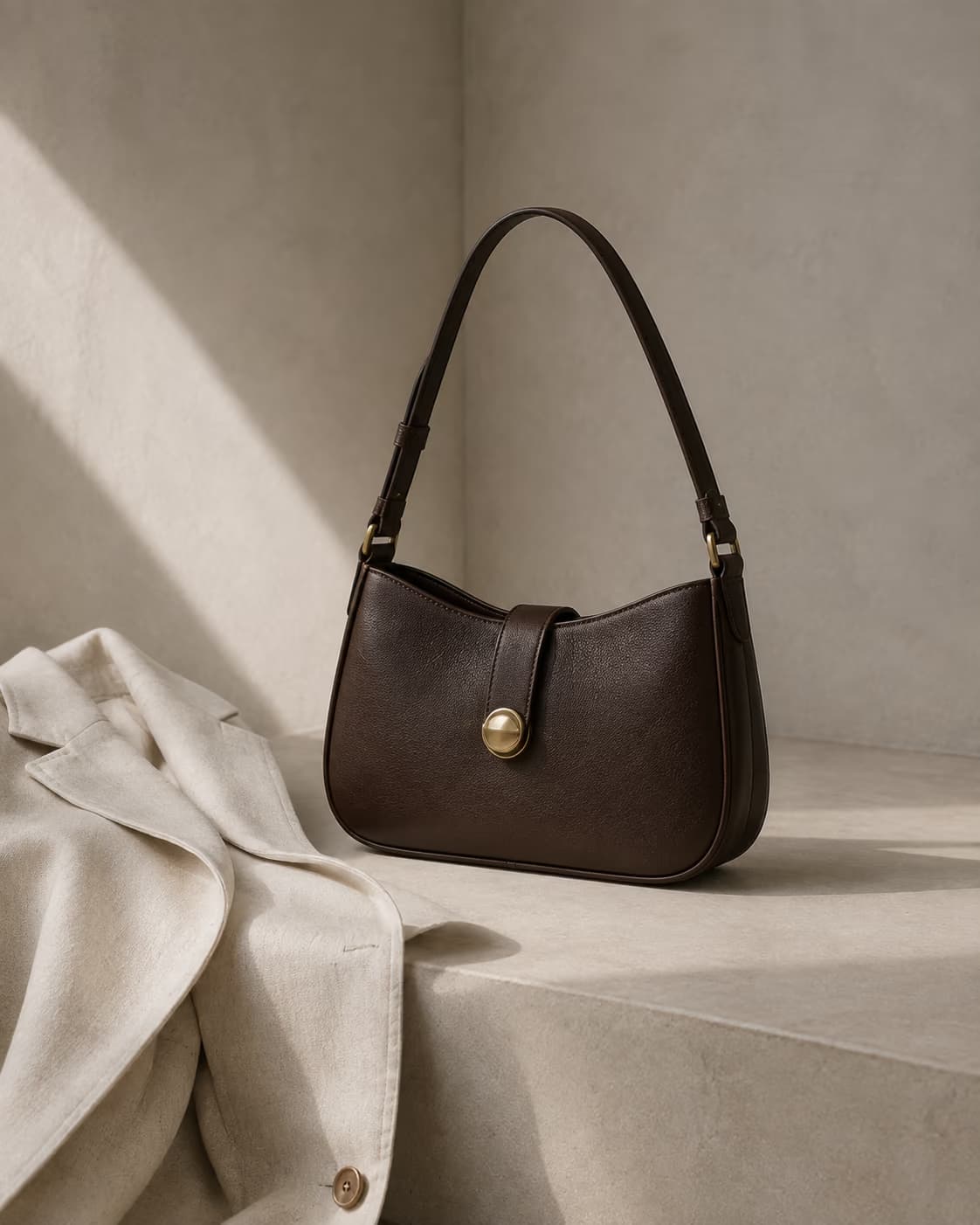
Your product photos
Product variations
Your store's own cart
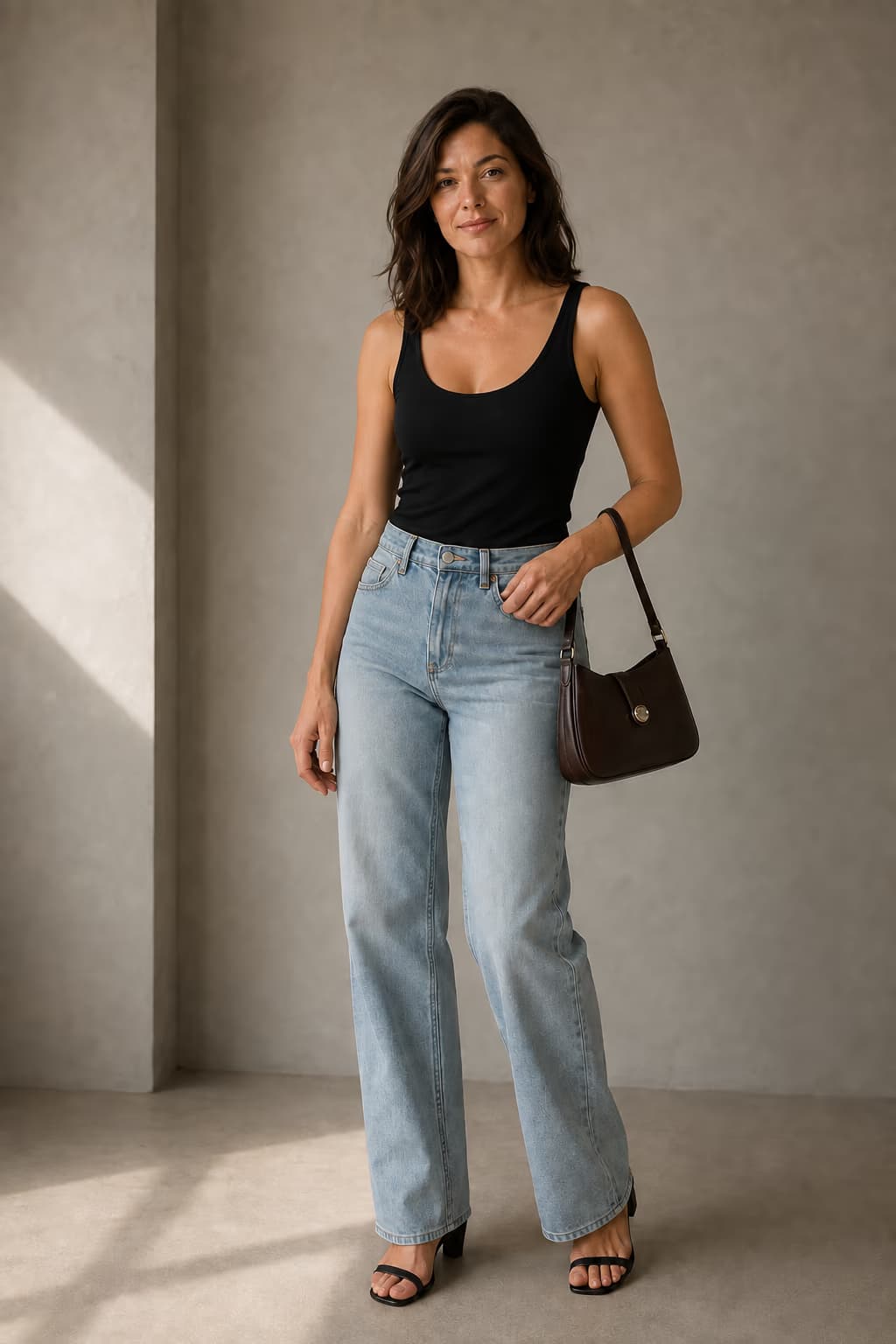
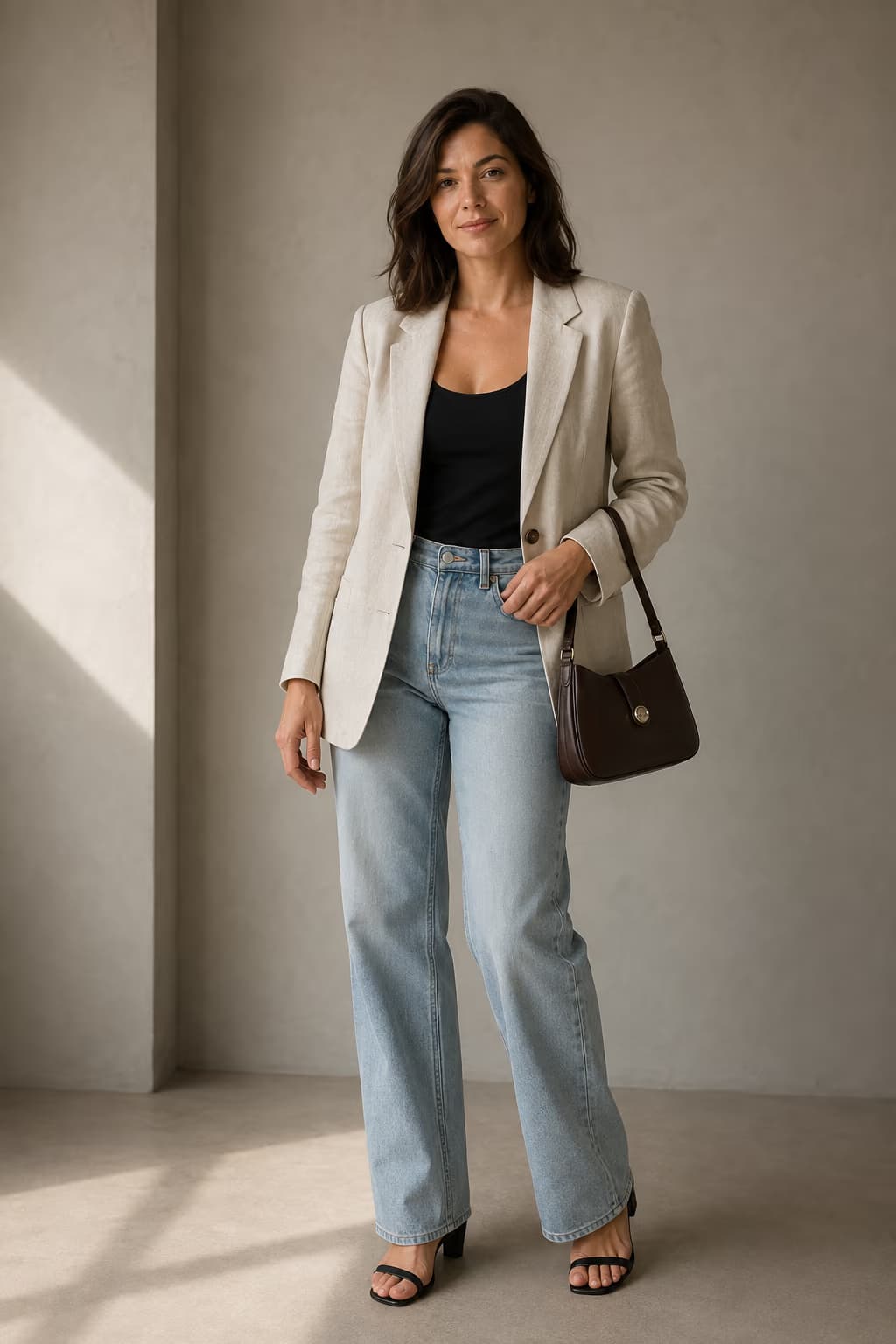
Illustrative try-on concept · AI
Move the slider to explore the difference
From photo to try-on
The same photo.
A different look.
Shoppers stay in your store. Wearlo brings their photo and your product image together to create a personal styling visualisation.
They add a photo
The try-on experience opens right on the product page.
They see an AI visualisation
Their chosen clothing or handbag appears in their photo.
They keep shopping
They can add their selected variation to your store's cart.
Both images were generated for this page to illustrate the concept. We'll demonstrate Wearlo with your store's products. Visualisation does not recommend sizes or guarantee fit.
The goal: fewer returns
A clearer decision.
Fewer reasons to return.
“It looked different in the photo.” That's the disappointment we want to address. A pilot will help us understand whether a personal visualisation supports better choices and how it affects your store's results.
More context before checkout.
A shopper's own photo helps them picture an outfit. It complements your product photography, fit description, and size guide.
Returns worth understanding.
Our focus is the gap between the expected and actual look. Wearlo does not measure the body or recommend a size.
Results to evaluate in a pilot.
We'll agree on how to compare conversion, return rates, and return reasons. That will help establish whether try-on brings value to your store.
Reducing returns is a pilot goal. We do not yet have verified Wearlo results or a guaranteed percentage improvement.
Built for WooCommerce
Your store.
Your way.
One plugin, your own catalogue, and the WordPress dashboard you know. Enable try-on where it makes sense for your collection.
WooCommerce
Wearlo plugin
We'll check the experience with your theme and the way you present your products.
- 01
Install and connect
Add the plugin to WordPress and connect your store to Wearlo.
- 02
Choose your products
Use photos from your catalogue. Select clothing or handbag try-on.
- 03
Try it in preview
Test the experience as an administrator before shoppers see it.
- 04
Open it to shoppers
Once the integration is checked, enable try-on on your selected product pages.
Let's start with your store
First, let's see how it fits your brand.
A pilot lets you explore Wearlo with your products and WooCommerce theme. We'll agree on the scope and terms before getting started.
Let's talk about a pilot- Choose products for your first try-ons
- Get help setting up the plugin
- Check your theme, variations, and cart
- Review visual results together
- A plan to evaluate conversion and returns
Our conversation is the starting point for a tailored proposal. Submitting the form does not start a subscription.
Good to know
Before we begin.
Will Wearlo work with my store?
Wearlo is being built as a reusable WooCommerce plugin. Themes and store setups vary, so the pilot includes checking your product page, variations, and cart in your environment. Our goal is a repeatable installation without building a separate plugin for each brand.
Can Wearlo help reduce returns?
That's one of the product's goals: give shoppers more information about an outfit's appearance before they buy. We do not yet have verified data on Wearlo's impact on returns. During the pilot, we'll agree on how to evaluate conversion, return rates, and return reasons. Visualisation does not replace size selection or assessment of actual fit.
Which products can shoppers try on?
The plugin supports two modes: clothing and handbags. Results depend on the shopper's photo and your product photography. Before enabling try-on, we recommend reviewing results across a representative selection of your collection.
Do I need new product photos?
We start with the images in your WooCommerce catalogue. During the pilot, we'll check whether they clearly show the product and produce useful visualisations. Some photographs work better than others.
Does try-on recommend a size?
No. Wearlo visualises how clothing or a handbag might look in a photo. It is not a measurement tool and does not replace your size guide, material description, or information about the cut.
Can I test it privately first?
Yes. Preview mode lets an administrator test try-on before enabling it for shoppers. It's a chance to review your products and check how the integration works.
Over to you
Show us your store. Let's see what we can create.
Leave your email. We'll talk about your collection, show you Wearlo, and work out the next step.
Prefer to write directly?
[email protected]